
I’ve been using Apple’s Magic Keyboard with Touch ID for the last 3 months and thought I’d write up a review on the experience so far. I purchased this Apple Magic Keyboard after a lot of deliberation, as I needed a new keyboard to pair with my work machine (MacBook Air M1), because my older mechanical keyboard started dying.
Why jump ship from a Mechanical to Magic Keyboard? Well, the quality, availability and diversity of Mechanical keyboards in my present location aren’t great. I originally wanted the NuPhy Air75. Another option I considered was the Logitech MX Mechanical Mini however, the switch options weren’t selectable from the Amazon seller where I am and I’m not one to play the lucky draw for a product of this price point.
I finally decided to settle with the Magic Keyboard for three reasons: Even if the keyboard on the MacBook Air M1 is not mechanical, the typing experience works for me. Secondly, Magic Keyboard has Touch ID. This was a nice bonus. Lastly, I wanted a keyboard that occupies less space – a slim compact keyboard. The Magic Keyboard checked all these boxes.
Let’s dive into different aspects.
Specs:
Model code: A2449
Port: Lightning
Wireless: Bluetooth
Height: 0.41–1.09 cm (0.16–0.43 inch)
Width: 27.89 cm (10.98 inches)
Depth: 11.49 cm (4.52 inches)
Weight: 0.243 kg (0.54 pound)
Compatibility: Mac with Apple silicon using macOS 11.4 or later
Price:
With Touch ID: ₹14,500 ($176) – Unit reviewed
Without Touch ID: ₹9,500 ($115)
Unboxing Contents:

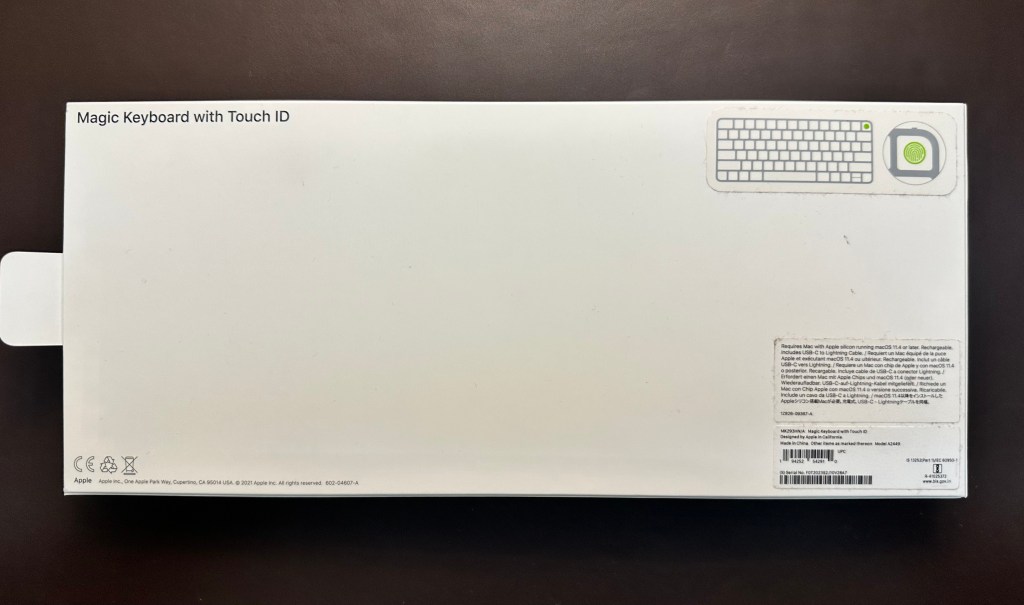


The package comes with paperwork, a very high quality woven USB-C to Lightning cable and the keyboard. I really wish Apple would give these sleeved cables with iPhones too, the cable looks and feels super premium.
Build quality:

The Keyboard chassis is made out of aluminium, and the keys are similar to what you get from a MacBook. Even tho it is aluminium, it feels very light and one could easily carry this in their backpack. The form factor is quite slim which is great as it takes less space on a desk or even to carry in a bag.

The chassis is tapered similar to the older MacBook Air M1, it’s slimmest towards you (0.41cm) and the height increases towards the top (1.09cm). Slimness was one important factor to me that NuPhy Air75 was meeting but unfortunately, I didn’t have access to purchase that.
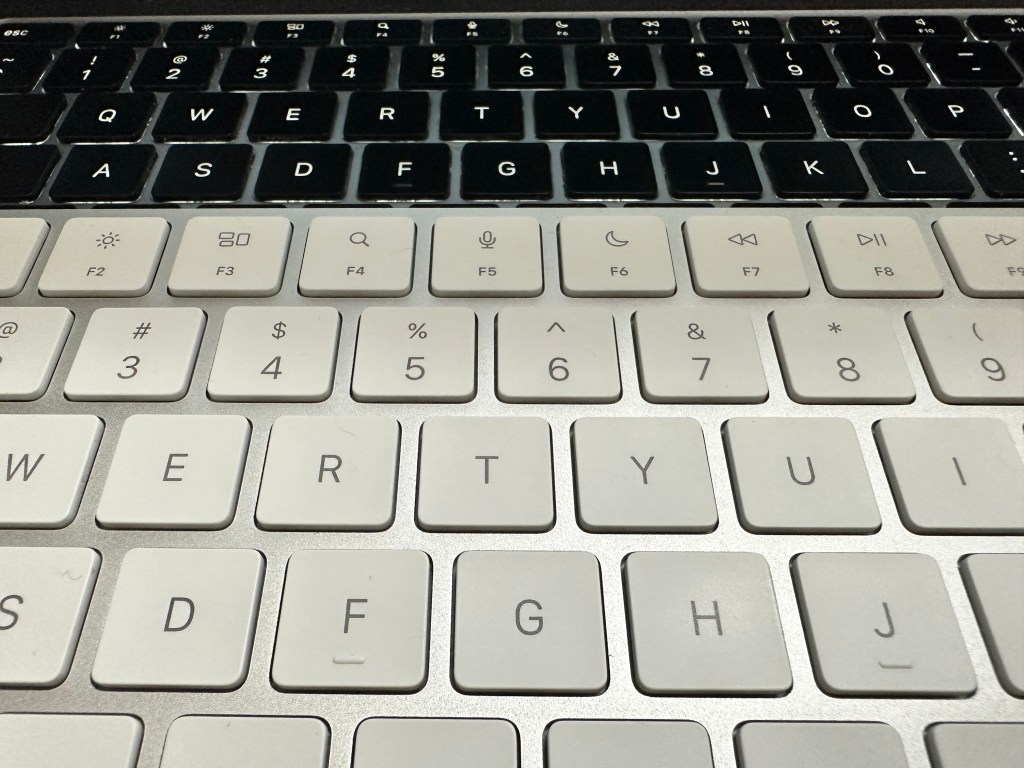
The keys are white and I think this makes them feel more larger than they actually are. Using the instruments available there was very little size difference noticeable to me but they do feel larger. There is no backlight – this will be a deal breaker for some. I generally work in a lit environment so this wasn’t important to me. One concern with the white-coloured keys would be they will show dust and dirt easily. Trust me – I edited and reshot a bunch of pictures because of how easily the dust gets visible. Would you prefer a black keyboard that becomes shiny over time or a white keyboard that becomes shiny and dirty? Either way, it would have been great to get options for the keys here. Also, the iMacs come with colour-matching keyboards – Why doesn’t Apple offer these options when purchasing magic keyboards separately?
Talking about the quality of legends (printed characters on keys), they seem to be of high quality. I haven’t noticed any fading in 3 months of usage.

There is one toggle key to switch this keyboard on/off. On switching on, if you tap the keyboard keys a couple of times, it connects to the MacBook. The rear side also has a lighting port.
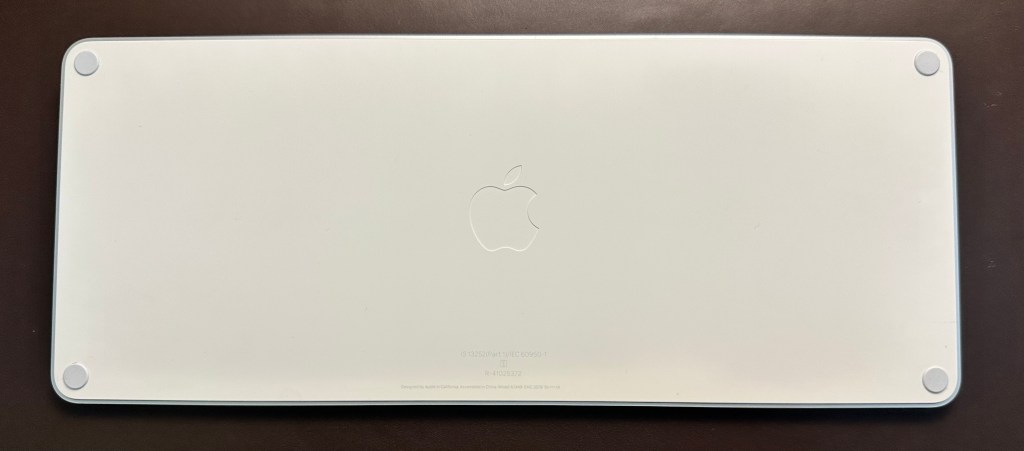
There are no keyboard feet/raisers to speak of, apart from very mildly raised rubber feet to prevent the keyboard from slipping.
Typing experience:

The typing experience is practically similar to what you’d expect from modern MacBook keyboards, but I’d wager a tad more comfortable. The travel of the keys is practically identical to your MacBook Magic Keyboard. If you are used to keyboards which have more key travel then I’d suggest looking elsewhere. This is not the most ergonomic keyboard.
For connectivity, I have faced ZERO glitches or lag when using the keyboard. I did stumble across complaints for this but for me, it has been working flawlessly. Perks of the walled garden 😄?
I don’t think the keyboard is super noisy, it sounds similar to the Magic Keyboard on MacBooks. This might be an advantage for those who hate the noise of mechanical keyboards.
I dislike the design of the arrow keys. They might have made the left/right keys better for aesthetics but the up/down keys feel compromised on.
Pairing, Connectivity and features:
Pairing the keyboard with a MacBook is straightforward. You need to connect the keyboard to the MacBook via a USB-C to Lightning cable.
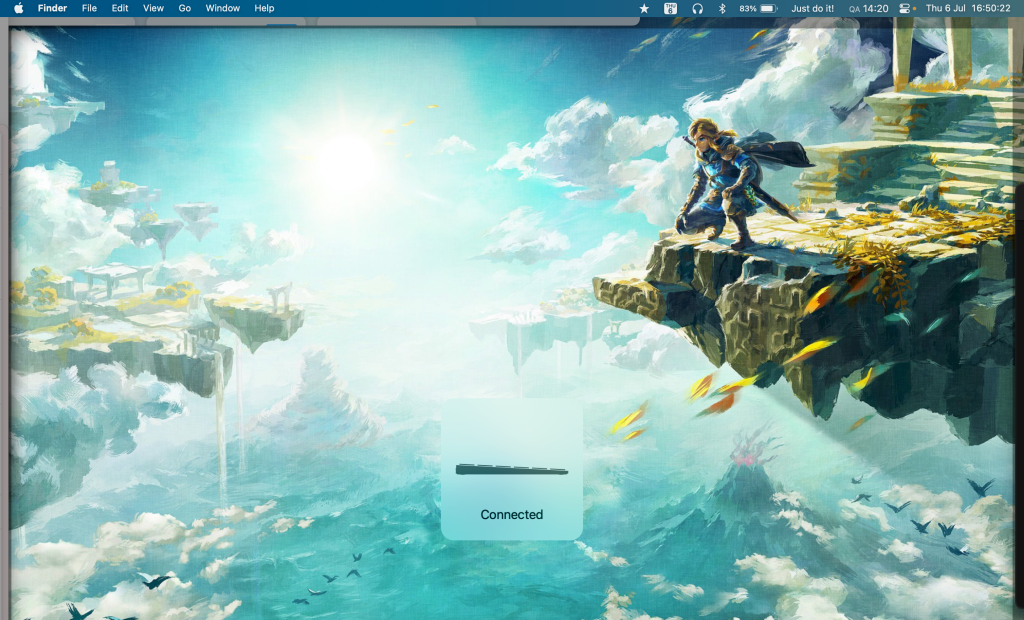
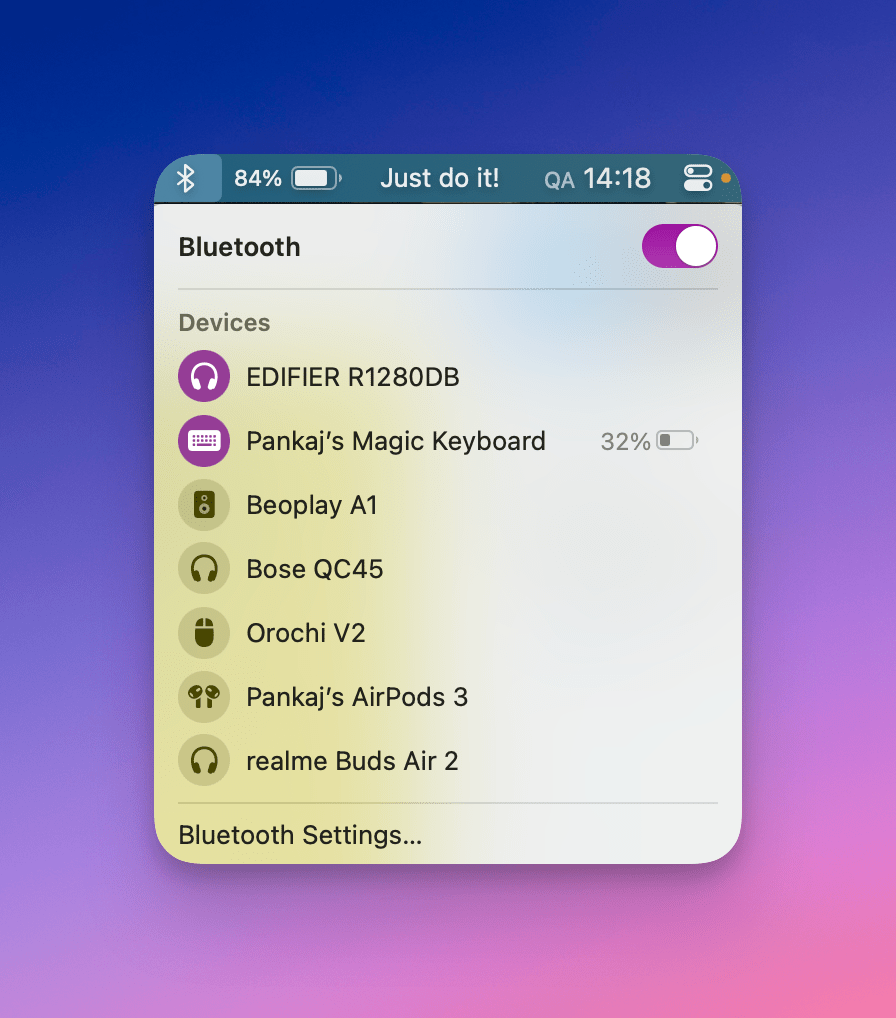
Once paired you can use the keyboard wirelessly via Bluetooth. One thing I found was that on switching on the keyboard, it doesn’t automatically connect to my MacBook. I’d wait maybe 20-30 seconds or more and nothing happens, but as soon as I tap a key on the keyboard, I’d get the Keyboard connected feedback on the MacBook.
Okay now, one of the bonus points of this keyboard for me – and this only applies to Macs or MacBooks with Apple Silicon – there is a Touch ID on this keyboard. I don’t need to spend time typing my password to log in every day. You can also use Touch ID when using Apple passwords or installing apps or making purchases on the App Store. This is a time saver. One thing I *do not* appreciate is that they charge ₹5000 ($60) more just for the Touch ID variant. This should have been a mere ₹2000 ($25) extra compared to the normal variant. The non-Touch ID variant itself is also quite expensive at ₹9500 ($115). This is a hard call a potential buyer needs to make, if the time saved with Touch ID is important.
Note: You’d be able to record a fingerprint on the keyboard and also use the ones pre-recorded on your MacBook – on your Magic Keyboard. I haven’t noticed any issues with Touch ID, it works as well as the one on board the MacBook.
Note: No other keyboard can give you the option of Touch ID, so in that aspect, the Magic Keyboard stands alone.
Battery life and charging:
The location of the lightning port makes this keyboard usable even when charging. The charging time is approximately 2 hours.
Apple’s claimed battery life is 30 days or about a month or more. In my experience, this is mostly accurate. If you use the keyboard lesser, I think you could go beyond a month as well. I never bother to toggle the keyboard off and it is always switched on.
If you already use an iPhone which has a lightning port (as of 2023 July this is all iPhones) then you can use one cable to charge both your keyboard and phone. Although I wonder if there will be a USB-C Magic Keyboard releasing shortly, considering Apple is most likely releasing iPhones with USB-C connectors.
Verdict
The Apple Magic Keyboard with Touch ID is a great keyboard for work or productivity. It has a flawless connection and the typing experience is familiar to MacBook users with decent travel and less noise. The Touch ID also works great as it saves time to input passwords.
The build is aluminium, yet it is lightweight at 243 grams (0.54 pounds). That’s about as much as my iPhone 14 Pro which is 206 grams. This wouldn’t add much weight to a bag if one wants to travel with it. The slim form factor also makes it easy to travel with. I also wanted a slim keyboard because it occupies less space on the work desk and makes the desk feel more spacious.
What I would like to see:
1) More colour options (like iMacs), black key options (larger keyboard has this)
2) USB-C variant
3) A lower price. Currently, this costs 5-6X of a generic Logitech keyboard. Even a nice sleeve to store this or travel would have been a nice addition because of the high price point. Lower price differences between Touch ID and non-Touch ID variants would also be welcome.
4) Raisers to adjust the angle of the keyboard
What might be a dealbreaker for some:
1) The price. Flatout this is expensive. You get good mechanical keyboards in this price segment
2) Ergonomics are not great, there is no option to raise the keyboard and it’s almost flat. This can create discomfort during prolonged typing sessions
3) There is no backlight option. While this does help with the super battery life, this might be needed by some folks and they ought to look elsewhere
4) Only compatible with Apple Silicon Macs
There’s also a larger version with the numpad for those interested but that costs a super steep ₹19,500 ($237). You could buy half an iPad 9th Gen with that.
One can also decide between either the version with Touch ID or without depending on their needs. My take is to think about how many passwords you enter daily and whether is it important for you to save that amount of time. Assuming 5 seconds for a password, one password a day is 30 mins over a year and maybe 90 mins over three years. Oh, and the benefit of never having to remember passwords.
That’s a wrap for the review. If you liked the review, make sure to subscribe to the newsletter and hit the follow button below. Feel free to ask any questions about the keyboard on Twitter.
If you’re interested in buying the Apple Magic Keyboard with Touch ID you can use this link. Disclosure: As an Amazon Associate I earn from qualifying purchases. https://amzn.to/3QBVM2u.

 Pankaj Kara